Routing is a process of matching incoming HTTP requests by checking the HTTP method and url; and then invoking corresponding endpoints.
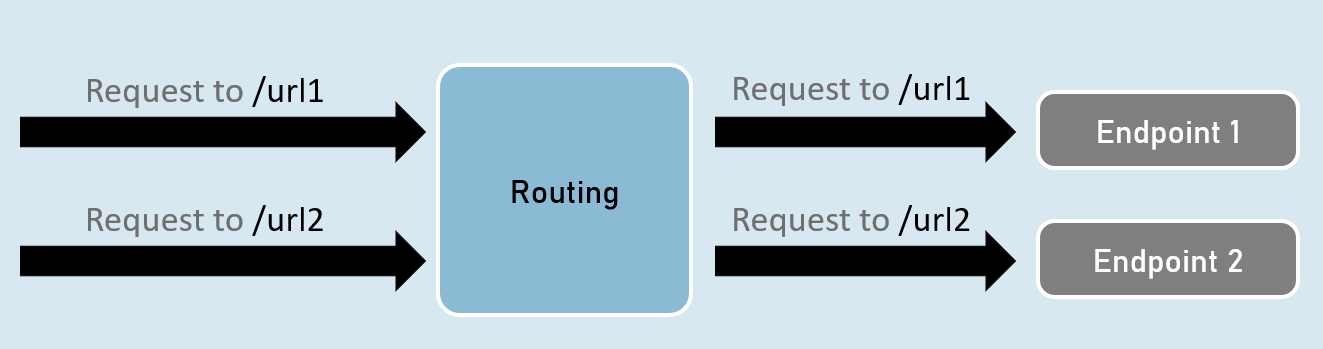
Routing - UseRouting and UseEndPoints
UseRouting( )
app.UseRouting();Enables routing and selects an appropriate end point based on the url path and HTTP method.
UseEndPoints( )
Executes the appropriate endpoint based on the endpoint selected by the above UseRouting() method.
app.UseEndPoints(endpoints =>
{
endpoints.Map(…);
endpoints.MapGet(…);
endpoints.MapPost(…);
);
Map, MapGet, MapPost
endpoints.Map( )
Executes the endpoint when a HTTP request’s url path begins with the specified path.
endpoints.Map("path", async (HttpContext context) =>
{
//code
});
endpoints.MapGet( )
Executes the endpoint when a HTTP GET request’s url path begins with the specified path.
endpoints.MapGet("path", async (HttpContext context) =>
{
//code
});
endpoints.MapPost( )
Executes the endpoint when a HTTP POST request’s url path begins with the specified path.
endpoints.MapPost("path", async (HttpContext context) =>
{
//code
});
GetEndpoint( )

context.GetEndpoint();Returns an instance of Microsoft.AspNetCore.Http.Endpoint type, which represents an endpoint.
That instance contains two important properties: DisplayName, RequestDelegate.
Route Parameters
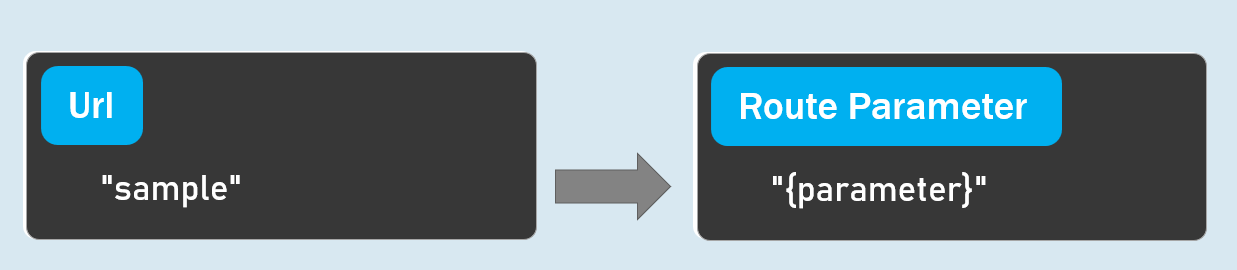
”{parameter}”
A route parameter can match with any value.
Default Route Parameters
“{parameter=default_value}”
A route parameter with default value matches with any value.
It also matches with empty value. In this case, the default value will be considered into the parameter.
Optional Route Parameters
“{parameter?}”
”?” indicates an optional parameter.
That means, it matches with a value or empty value also.
Route Constraints
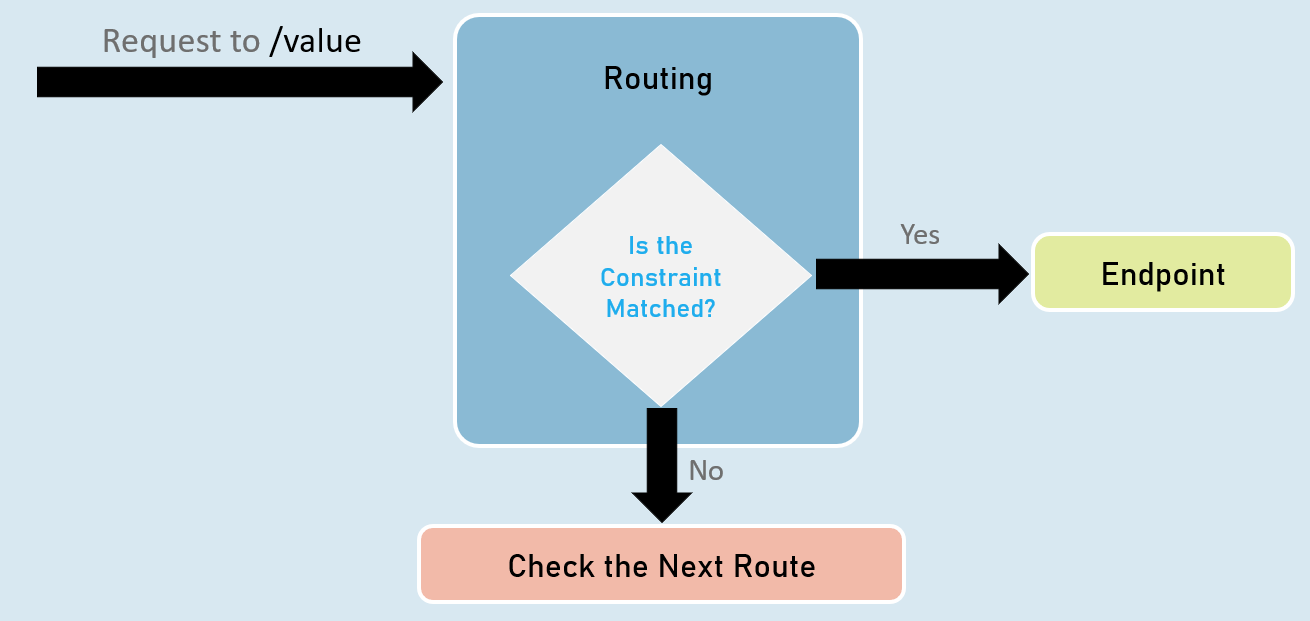
Route Parameter with Constraint:
“{parameter:constraint}”
A route parameter that has a constraint can match with a value that satisfies the given constraint.
Multiple Constraints
“{parameter:constraint1:constraint2}”
A route parameter can have more than one constraint, separated with colon ( : ).
int
Matches with any integer.
Eg: {id:int} matches with 123456789, -123456789
bool
Matches with true or false. Case-insensitive.
Eg: {active:bool} matches with true, false, TRUE, FALSE
datetime
Matches a valid DateTime value with formats “yyyy-MM-dd hh:mm:ss tt” and “MM/dd/yyyy hh:mm:ss tt”.
Eg: {id:datetime} matches with 2030-01-01%2011:59%20pm
Note: ‘%20’ is equal to space.
decimal
Matches with a valid decimal value.
Eg: {price:decimal} matches with 49.99, -1, 0.01
long
Matches a valid long value.
Eg: {id:long} matches with 123456789, -123456789
guid
Matches with a valid Guid value (Globally Unique Identifier - A hexadecimal number that is universally unique).
Eg: {id:guid} matches with 123E4567-E89B-12D3-A456-426652340000
minlength(value)
Matches with a string that has at least specified number of characters.
Eg: {username:minlength(4)} matches with John, Allen, William
maxlength(value)
Matches with a string that has less than or equal to the specified number of characters.
Eg: {username:maxlength(7)} matches with John, Allen, William
length(min,max)
Matches with a string that has number of characters between given minimum and maximum length (both numbers including).
Eg: {username:length(4, 7)} matches with John, Allen, William
length(value)
Matches with a string that has exactly specified number of characters.
Eg: {tin:length(9)} matches with 987654321
min(value)
Matches with an integer value greater than or equal to the specified value.
Eg: {age:min(18)} matches with 18, 19, 100
max(value)
Matches with an integer value less than or equal to the specified value.
Eg: {age:max(100)} matches with -1, 1, 18, 100
range(min,max)
Matches with an integer value between the specified minimum and maximum values (both numbers including).
Eg: {age:range(18,100)} matches with 18, 19, 99, 100
alpha
Matches with a string that contains only alphabets (A-Z) and (a-z).
Eg: {username:alpha} matches with rick, william
regex(expression)
Matches with a string that matches with the specified regular expression.
Eg 1: {age:regex(^[0-9]{2}$)} matches with any two-digit number, such as 10, 11, 98, 99
Eg 2: {age:regex(^\d{3}-\d{3}$)} matches with any three-digit number, then hyphen, and then three-digit number, such as 123-456
Custom Route Constraint Classes
Custom Route Constraint Class
}); //adding the custom constraint to routing
public class ClassName : IRouteConstraint
{
public bool Match(HttpContext? HttpContext, IRouter? route, string routeKey, RouteValueDictionary values, RouteDirection routeDirection)
{
//return true or false
}
}
builder.Services.AddRouting(options =>
{
options.ConstraintMap.Add("name", typeof(ClassName));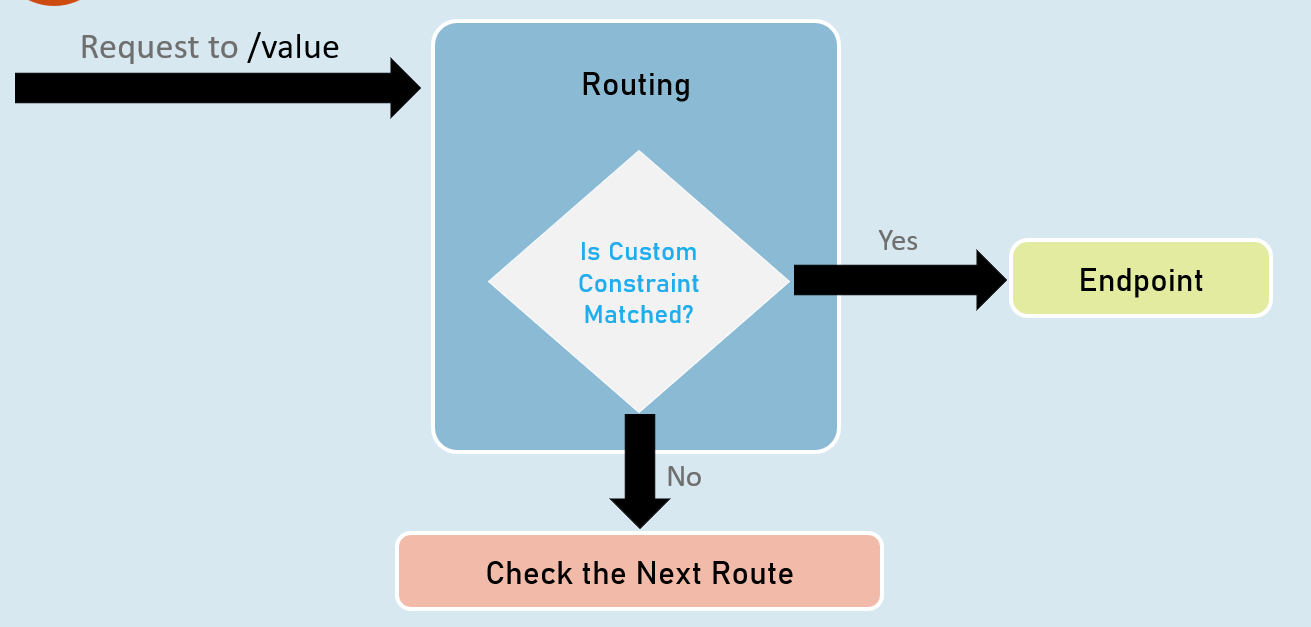
Endpoint Selection Order
Top is highest precedence (will be evaluated first)
1: URL template with more segments.
Eg: “a/b/c/d” is higher than “a/b/c”.
2: URL template with literal text has more precedence than a parameter segment.
Eg: “a/b” is higher than “a/{parameter}”.
3: URL template that has a parameter segment with constraints has more precedence than a parameter segment without constraints.
Eg: “a/b:int” is higher than “a/b”.
4: Catch-all parameters (**).
Eg: “a/{b}” is higher than “a/**”.
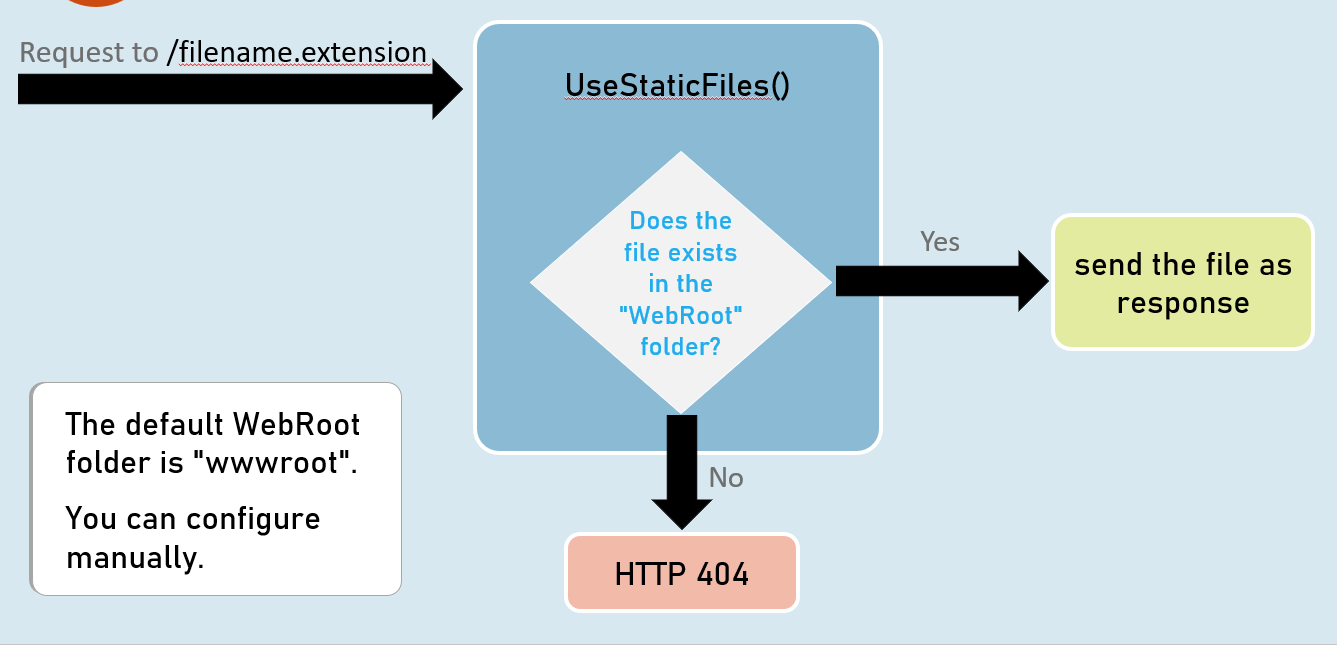
WebRoot